
my services
Online services
Want to learn AI, but not sure where to start?
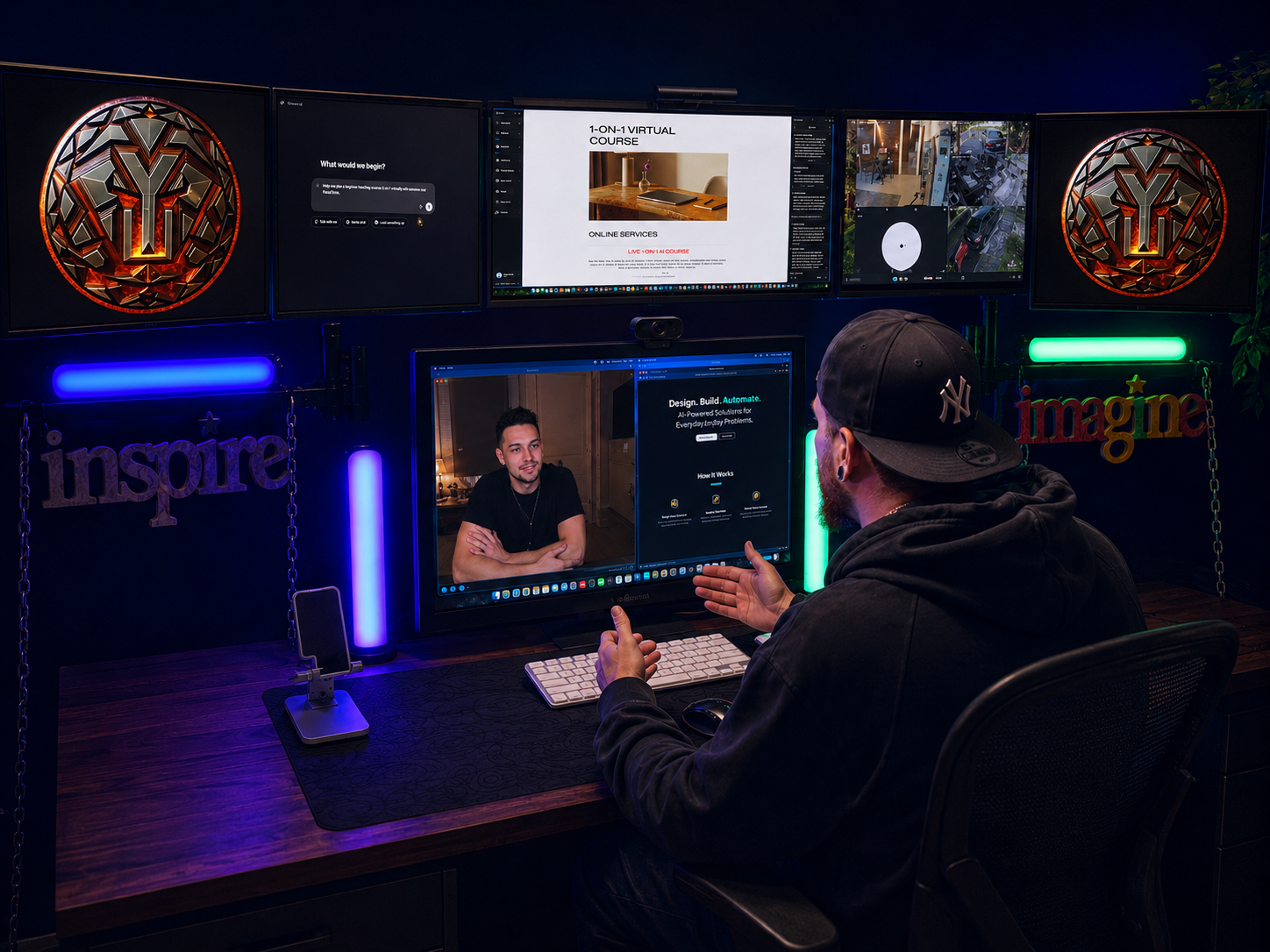
YOUNGDUBSTUDiOS offers two different ways to learn how to actually use AI in real life — whether you want live help or something you can watch on your own time.
Option 1: Live 1-on-1 AI Course
(coming soon)
This is a private virtual session where we meet live and go through the course together. You can ask questions, get help based on what you’re trying to do, and learn how to use tools like ChatGPT, Gemini, and Adobe Firefly for your business, brand, content, artwork, marketing, and everyday workflow.
This option is best if you want personal guidance, hands-on help, and someone walking you through it step by step.
Option 2: Pre-Recorded AI Course Video
(coming soon)
This option gives you the same core course content, but in a more convenient format. Instead of scheduling a live appointment, you get access to the course video and can watch it at your own pace, on your own time.
Pause it, rewind it, rewatch it, take notes, and go through it whenever it works for you. This is perfect for anyone who wants to learn AI without having to lock into a scheduled time.
Whether you choose the live 1-on-1 course or the pre-recorded video, the goal is the same: to help you understand how AI can save time, create better content, improve your brand, and give you tools you can actually use.
ChatGPT Plus ($20/month)
The Details: Grants access to OpenAI’s most advanced models (like GPT-4o and o1) with significantly higher message limits than the free tier. It includes advanced data analysis, the ability to build and use custom GPTs, web browsing, and priority access during peak hours.
Why It's Recommended: * Real-World Business Use: The free version quickly cuts you off or downgrades you to older models when you start doing heavy work. Plus gives you the stamina needed to draft comprehensive business materials, long-form content, and complex lyric structures without hitting a wall.
Custom Tools: It allows students to build custom chatbots tailored to specific workflows, which is a massive selling point for small business owners looking to automate tasks.
Where to Sign Up: Students can create an account and upgrade directly on the official ChatGPT Website.
How to Upgrade: Once logged in, they can click the "Upgrade to Plus" option in the bottom-left sidebar menu or via their profile icon to unlock the $20/month subscription.
Gemini Advanced ($20/month - part of Google One AI Premium)
The Details: Powered by Google's top-tier models (like Gemini 1.5 Pro), featuring an ultra-large context window. This means it can process massive amounts of information at once—like uploading hours of audio, long videos, or entire PDFs. It also integrates directly with Google Workspace (Docs, Gmail, Drive).
Why It's Recommended:
Massive File Processing: For creators and artists, being able to drop an entire audio track, a long video clip, or a massive document into the prompt and ask for deep analysis or transcription is a game-changer that the free tier simply cannot handle.
Stronger Creative Tools: It provides much more sophisticated creative brainstorming, complex internal rhyme scheme analysis, and fluid prompt generation.
Where to Sign Up: Access to Google's top-tier models and advanced features can be unlocked on the official Google AI Subscriptions Page.
Alternative Link: They can also view the full plan structures and add it directly to their existing Google account through the Google One AI Plans Page.
Adobe Firefly Premium ($5/month or included with Creative Cloud)
The Details: Removes the restrictive watermarks on downloaded images, offers much higher-resolution outputs, and gives you a large monthly allocation of "Generative Credits" for fast processing. It also unlocks full commercial use rights for the images you create.
Why It's Recommended:
Serious Creative Power: The free version slaps an Adobe watermark on your graphics, making them useless for professional clients, flyers, or merch. The premium version delivers clean, high-resolution, production-ready assets.
Advanced Features: It unlocks stronger control over style matching, structure reference, and vector generation, which are critical for anyone trying to learn actual graphic layout and professional branding.
and subscribe directly on the Adobe Firefly Plans Page.
Creative Cloud Note: If they already use professional design tools, they should check the standard Adobe Creative Cloud Plans, as premium generative credits are automatically bundled into many existing paid Adobe memberships.
Why Pro AI Tools Matter for This Course
This course is built to show you how to actually use AI in real life — not just play around with it for five minutes and get some basic answer. You’ll learn how to use AI to save time, create better content, improve your business, sharpen your brand, and bring your ideas to life faster.
That’s why pro versions matter.
Free AI tools can be useful, but they usually come with limits. The results can be more generic, image quality can be lower, features may be locked, and you may run into restrictions right when you’re starting to make progress. If you’re trying to build something serious for your business, music, art, brand, or content, those limits can slow you down fast.
With pro tools, you get access to stronger models, better creative options, higher-quality results, and more room to experiment. You can test ideas, rewrite prompts, generate multiple versions, fix mistakes, and keep pushing until the final result actually looks and sounds professional.
For design, branding, flyers, product mockups, social media content, music visuals, and everyday business tasks, premium AI tools give you the creative power to do more than just “make something.” They help you build something polished, useful, and ready to show people.
This course is about using AI the right way — for real results, real workflow upgrades, and real creative/business growth. Pro versions give you the full toolbox instead of making you fight with watered-down limits.
